

Run an AI coding team
on your Mac.
CyberPong is local mission control for multi-agent work. Pick a conductor, staff workers with the CLIs you already use, watch the live map, and jump in when something needs a human.
macOS 13+ · free to run locally · your AIs keep their own sign-ins · optional Jev and Perplexity keys stay on your Mac



One bound Team: conductor on top, workers in real Terminal windows.
Save / Show Teams, per-seat colors & policy, handoffs via pong-delegate --worker.
Free to use. Tip if it helps.
Download and run on your machine either way. Tips are optional — same software.
Tips via Stripe (you can change the amount). @DDemnard
In the app
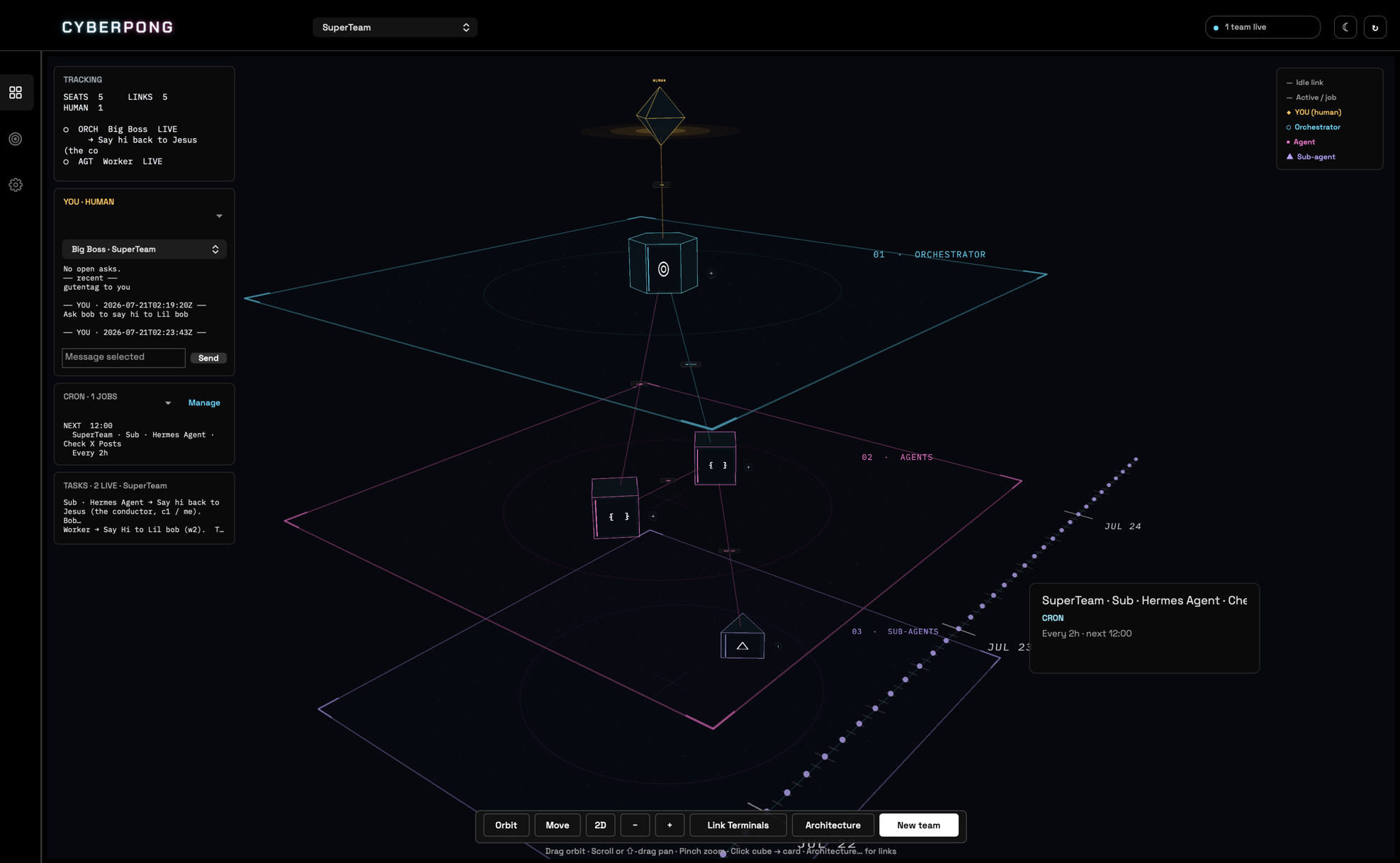
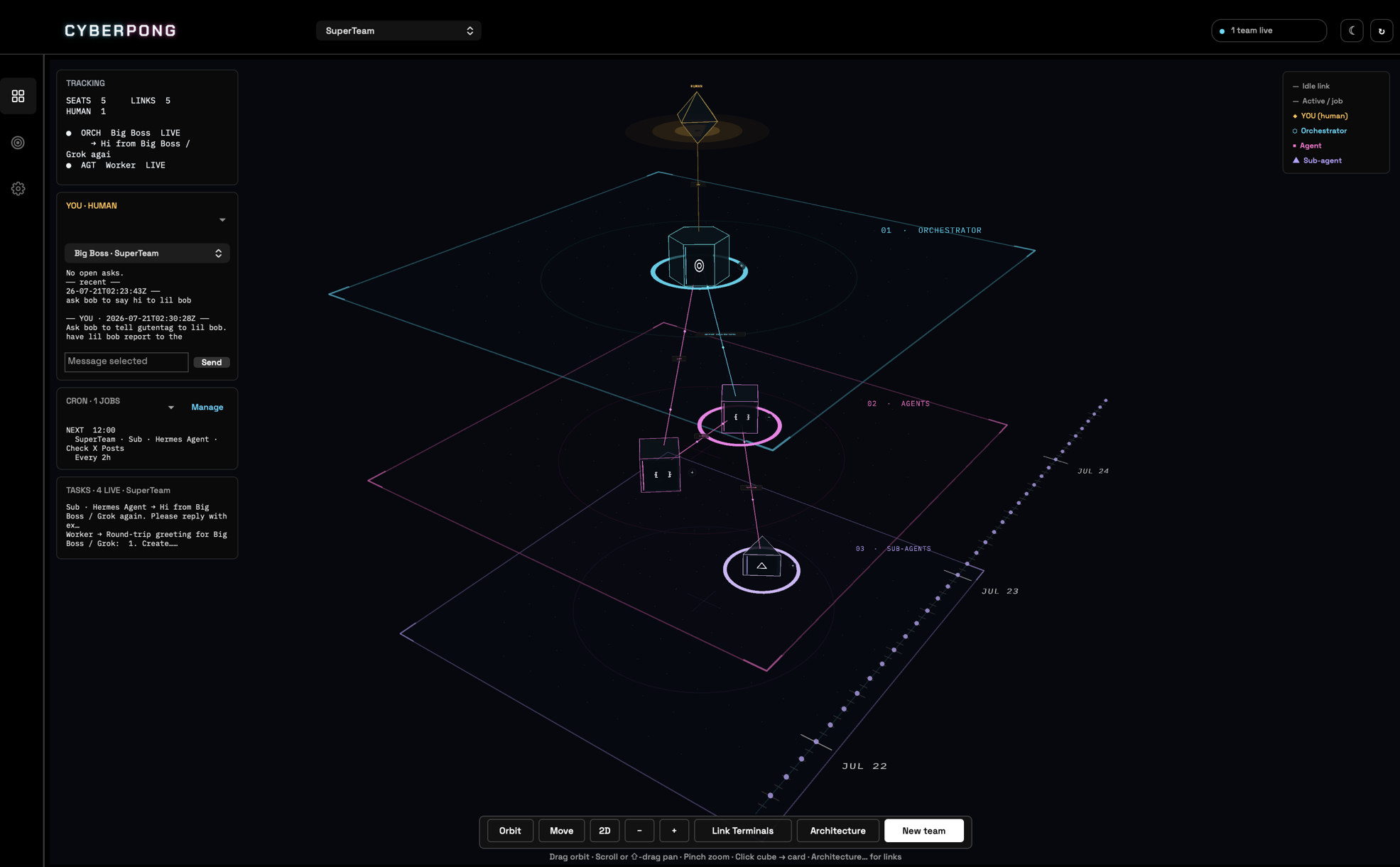
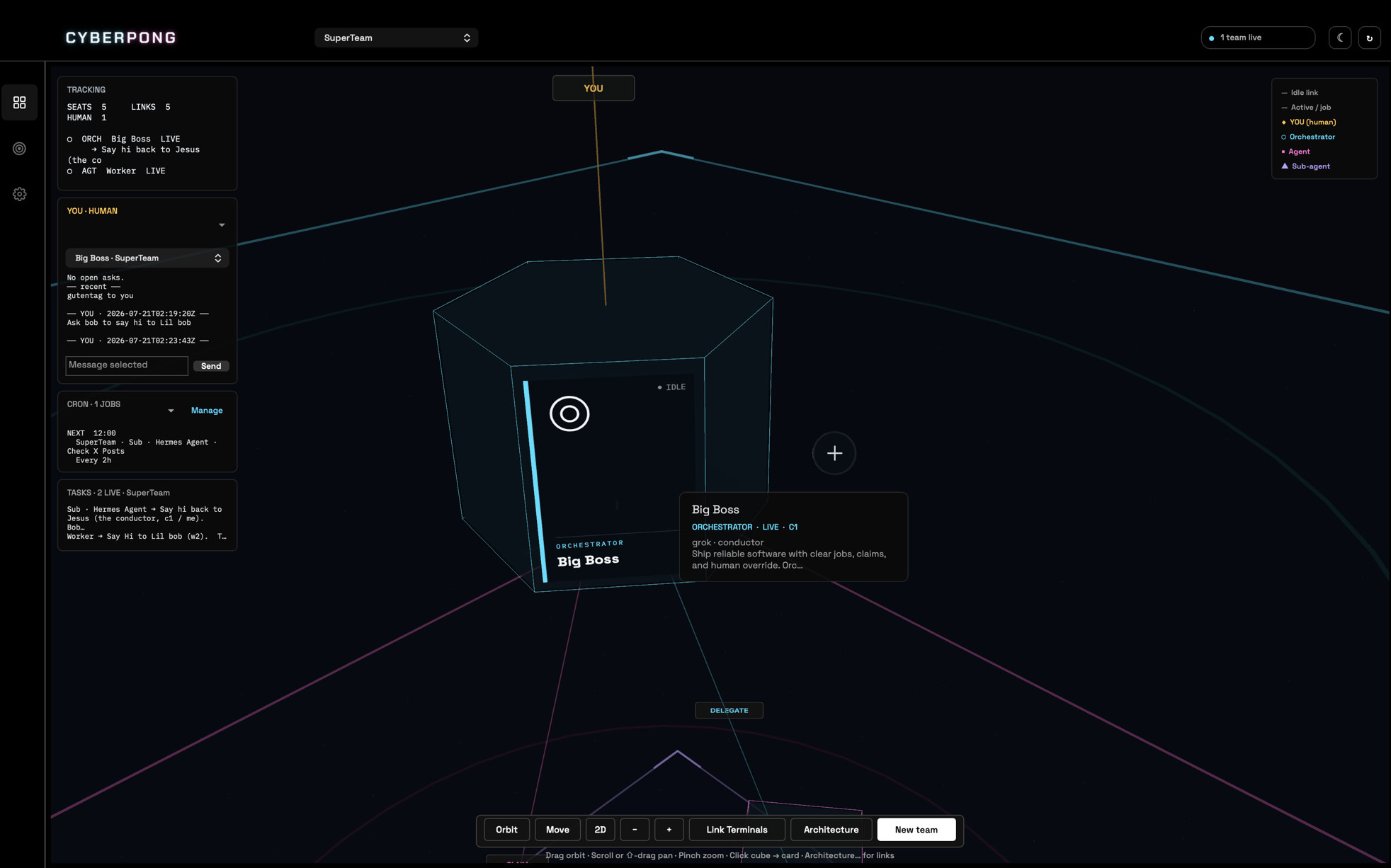
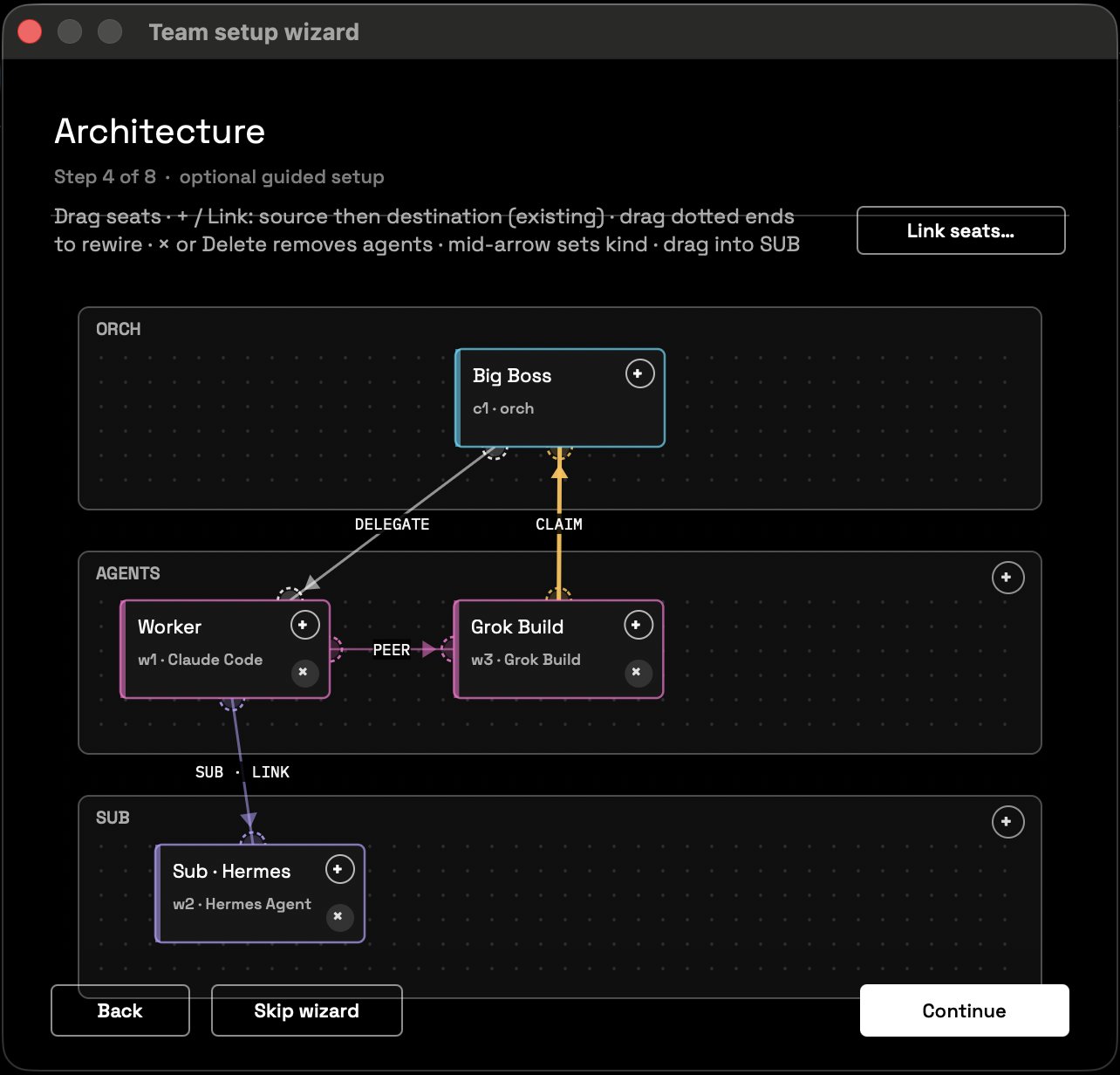
Mission map, architecture, roles, and scheduled work.
New in 2.1.0
The notch panel lives inside CyberPong. The panel beside your Mac’s notch is part of the app now, so there is no second app to allow or keep running. It shows each graph step by step, and the questions that need you come first.
In 2.0.0
Ready for other Macs. Download it, open it, and a short setup gets this Mac, your AIs and your limits in place. Then say what you want done: a chat plans it as a graph of steps, your AIs do the steps, and they ask you when a decision is yours.
No checkout needed: the app puts its engine and the pong command in place by itself, and the setup turns the graph runner on with one button.
What CyberPong can do
Plain English — the things you’ll actually use day to day.
-
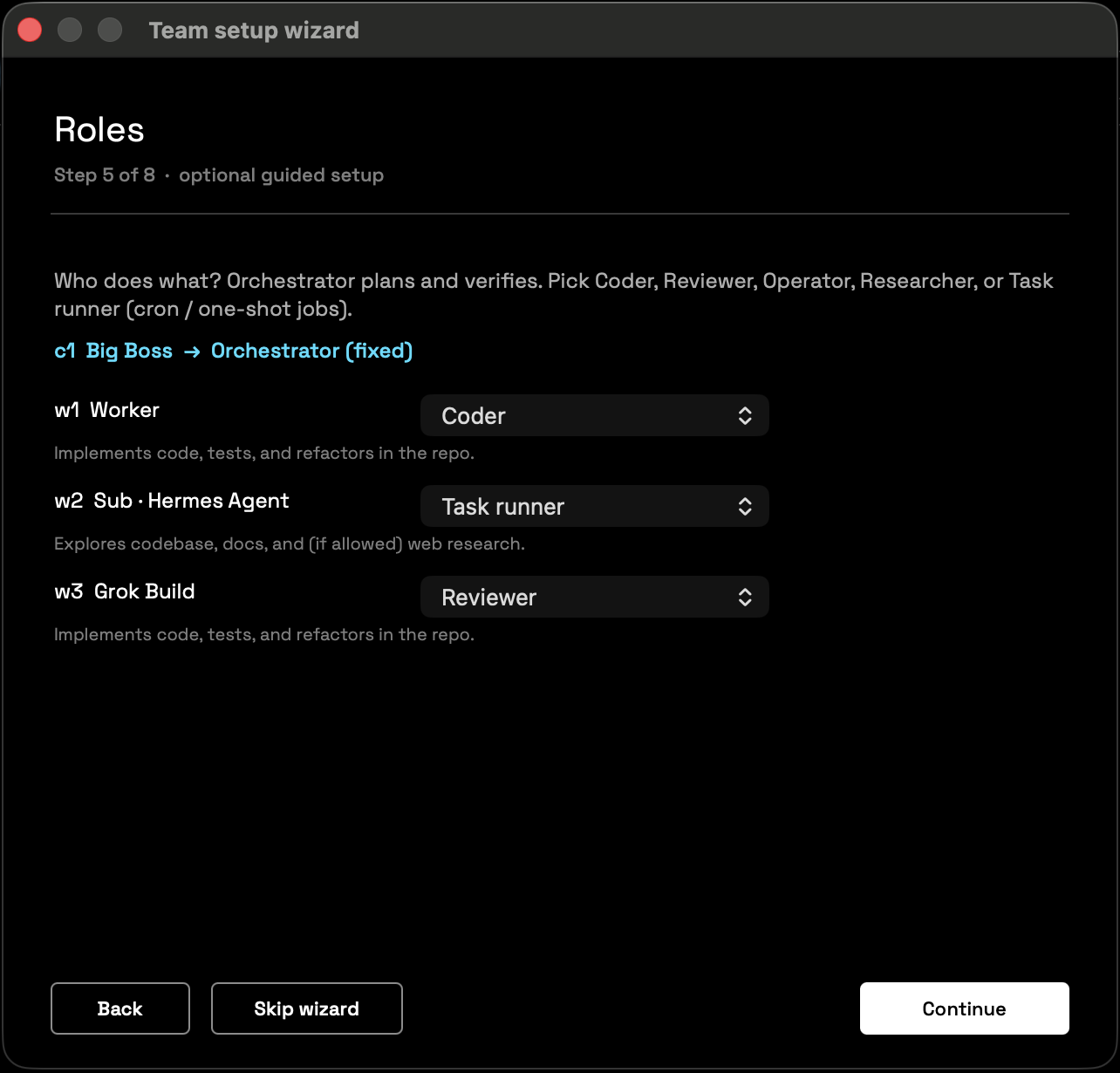
1Build a team of agents One conductor plans and assigns. Workers (Claude Code, Grok Build, Hermes, Codex, Kimi, or a custom CLI) do the work in real Terminal windows you can always open.
-
2See the mission live A 3D map shows seats, links, and flow. Floor dots move only when data is actually moving. Hover any seat for status.
-
3Talk without hunting windows The human console sends prompts to the orchestrator and surfaces “needs you” asks when a job waits on input.
-
4Keep handoffs honest Jobs live as files under
~/.pong/. Progress isn’t a guess from chat paste — it’s a control plane you can list, show, and audit. -
5Design how work routes Architecture view: peer vs sub-agent links, snap to orchestrator, save the graph with the team.
-
6Schedule recurring work Cron jobs on a timeline ruler (future into the distance). Manage cadence and which seat owns each job.
-
7Save and reopen lineups Save Team keeps seats, models, and graph. Show Teams opens, focuses, or duplicates a known crew.
-
8Stay local Graphs, chats, teams, jobs, ledger, and events stay on your Mac. Each AI keeps its own sign-in; the only service keys CyberPong saves are the optional Jev and Perplexity keys, on this Mac, in a file only you can read.
Inside the app
What’s on the mission panel today.
pong job create, gate, snapshot, ledger — same truth the UI reads.
Install
-
Download and open
Download CyberPong-macOS.zip, unzip it, move CyberPong to your Applications folder, and open it. -
If macOS can’t check it
Close the message, open System Settings › Privacy & Security, press Open Anyway next to CyberPong under Security, and confirm. You only do this once. -
The setup walks you through the rest
It checks this Mac (Python, tmux, thepongcommand, the graph runner) with a fix for anything missing, signs in your AIs, picks the AI and model that plan your graphs, and sets your limits and optional keys. Allow Accessibility and Automation for Terminal when macOS asks. -
Or from source
git clone https://github.com/kulpio/CyberPong.git && cd CyberPong && bash scripts/setup.sh
It installs the engine, thepongcommand and the graph runner, and builds and opens the app when this Mac can build it.
Needs macOS 13+, Apple’s command line tools (xcode-select --install), tmux (brew install tmux),
and at least one AI command line tool, signed in: Claude Code, Grok Build, Codex or Hermes.
The setup checks each one and shows the fix.
Full notes: README.
Older Hermes Pong state moves over with pong migrate.